



Moving to a new house is usually associated with unpacking boxes and finding places for all your things during the first days in a new place. Similarly, technology also needs proper planning since each device should be placed in an appropriate location with a reliable connection and electricity source. An efficient arrangement of technological devices in a new house will not only facilitate life but also prevent the problems of messy wires and poor connections. Proper organizing of technology in a new house will help you create an interior environment for work, leisure, and communication.
Plan Device Placement
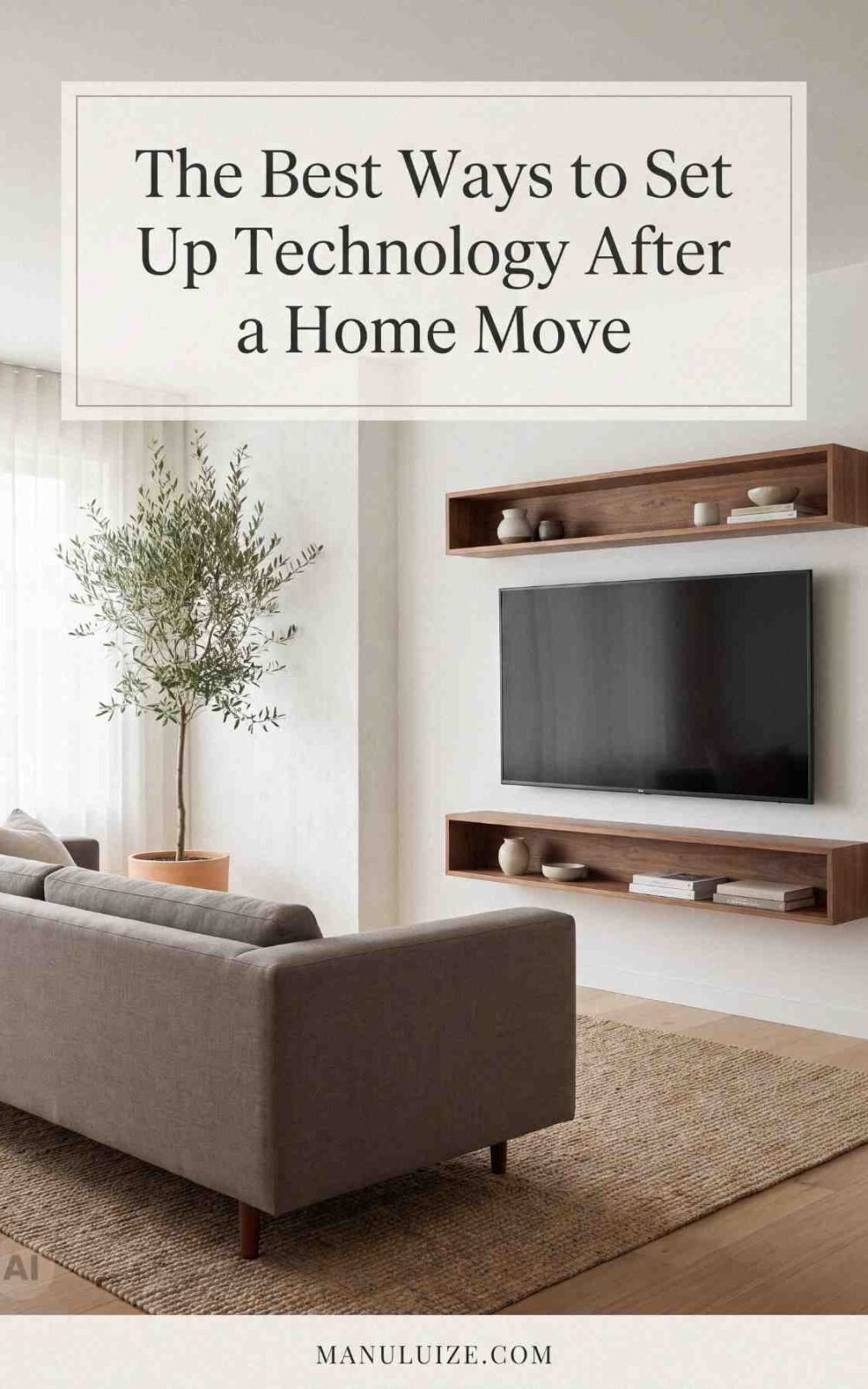
Prior to connecting the equipment, take into account where it will be used the most. The TV should be placed in such a way that you could easily see it, but not have any uncomfortable cable runs. A computer and its monitor require desk space, as well as access to electrical outlets; printers and other equipment, which can be used by everyone, should be put where they are accessible, but not occupying your living space. It is much better to arrange the places of the devices prior to unpacking all of them.
It would be wise to think about how the different types of the equipment will work together. For example, you may want to gather a TV set, streaming device, game console and sound system in one place, while a home office may require several devices to be gathered in one place. However, try not to place equipment in such a way that it can be easily knocked down and covered with junk.
Create a Functional Home Office
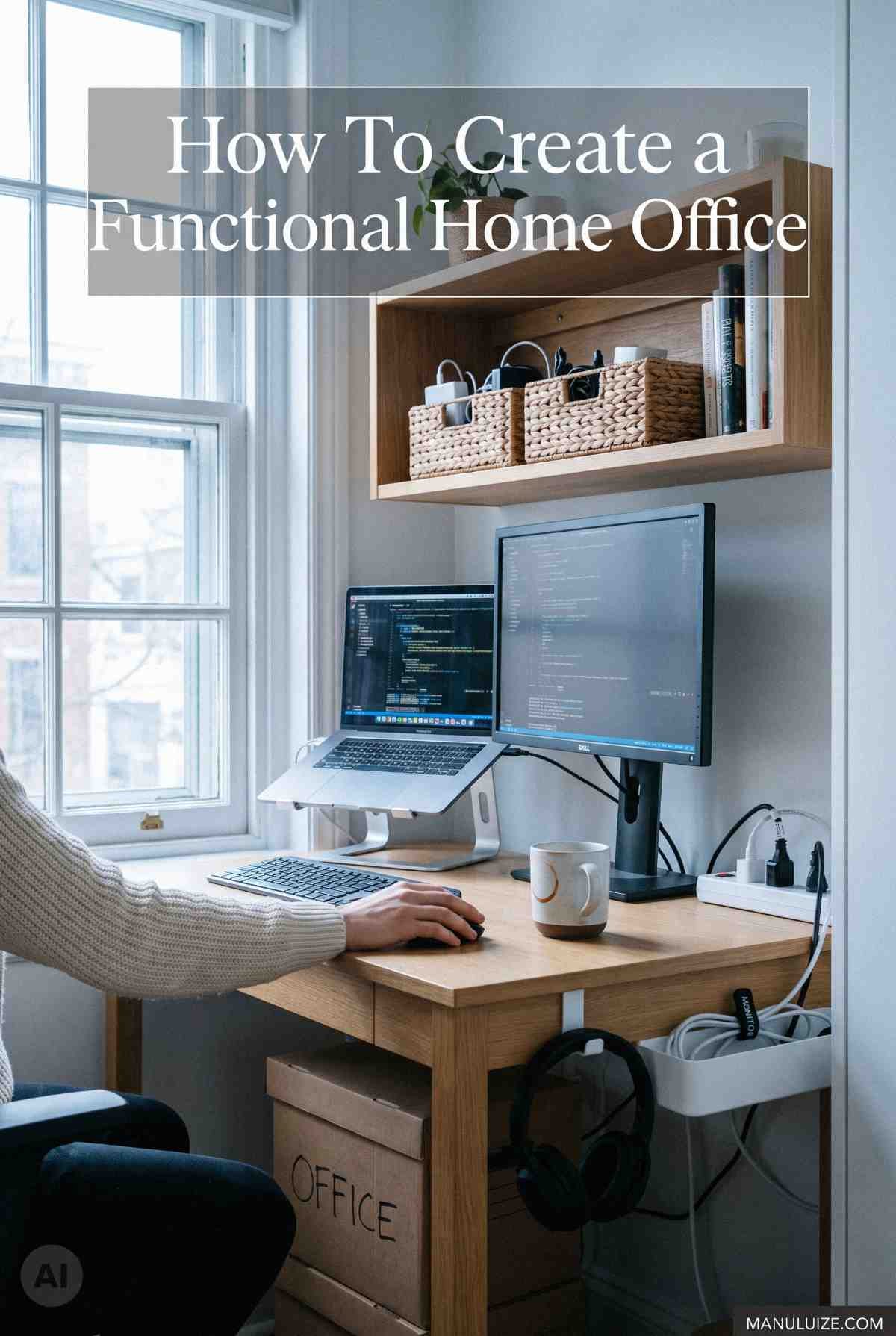
In case the new house has an office space, then it is essential that technology should be organized based on the nature of use of the space. The workstation needs to be placed where there is adequate lighting, and enough space for a computer, monitor, keyboard, and all other equipment that may be necessary. An available outlet makes it easy to avoid having numerous wires, and the ability to connect to home internet ensures access to video calling, cloud-based apps, and online transfers.
Storage is another factor that should not be left out when arranging your office technology. Your printers, chargers, headsets, external hard drives, and other accessories will make your office look untidy without storage space for them. Store your accessories and gadgets that you rarely use in cabinets or on shelves so that they do not take up too much room in your office.
Organize Cables
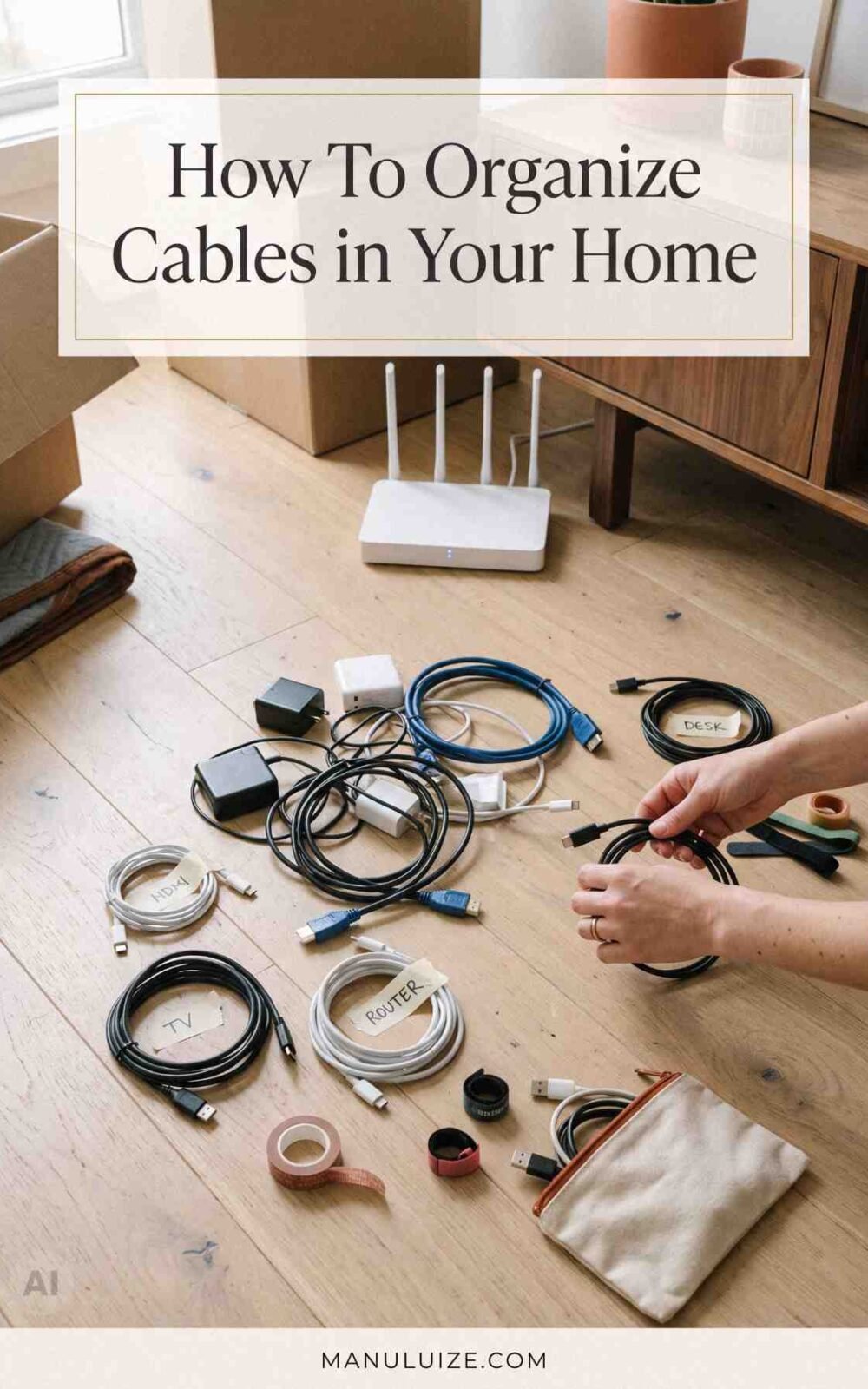
Organizing cables is one of the crucial tasks when organizing a technology setup after moving into a new place. It is important to find out what each cable is and for which device it is meant before connecting any cables. Otherwise, there might be difficulties when trying to connect various power adapters, charging cables and wiring that have very much in common. If there is too much cable, it can be bundled together without spreading out over the floor.
The arrangement of outlets plays an important role when arranging furniture in a room. It is better not to use extension cords instead of making a proper plan especially if there are a lot of devices to connect. It is preferable to put desks, entertainment units and other technological furniture near suitable outlets if it is possible. Cable organization will make the room more tidy and comfortable for cleaning and disconnecting equipment when necessary.
Set Up Home Internet
When the furniture has been arranged, connecting the home internet is one of the things that needs to be done soon after moving. A router usually performs well when placed in an open and central area instead of being concealed by big pieces of furniture or installed in a closed cabinet. The design of the newly acquired house may influence wireless access, and therefore it is essential to ensure that there is proper connection in all the areas that will need to use the internet connection most often.
In cases where the connection doesn’t function as expected, the user should check out what internet providers have offered. In addition, the service provided by the internet company may vary according to the property. Furthermore, it might be necessary to check the suitability of the router in accordance with the house structure. Taking action on connectivity issues immediately will help the user to set up access before starting to use the internet for work and other purposes.
Secure Your Devices
A relocation offers the chance to check out the security configurations of the devices that are connected to the internet. Update any default passwords where necessary and ensure that important accounts have a strong, unique password. The wireless network needs a good password too so that all the devices in the house are able to connect while avoiding unnecessary access by outsiders.
Checking out the software of the devices is another step that can be taken advantage of at this time. Computers, cellphones, smart TVs, routers, and other connected devices may need updates after being relocated. Updating can make them function well and also keep them safe through the most recent security updates.
Arrange Entertainment Equipment
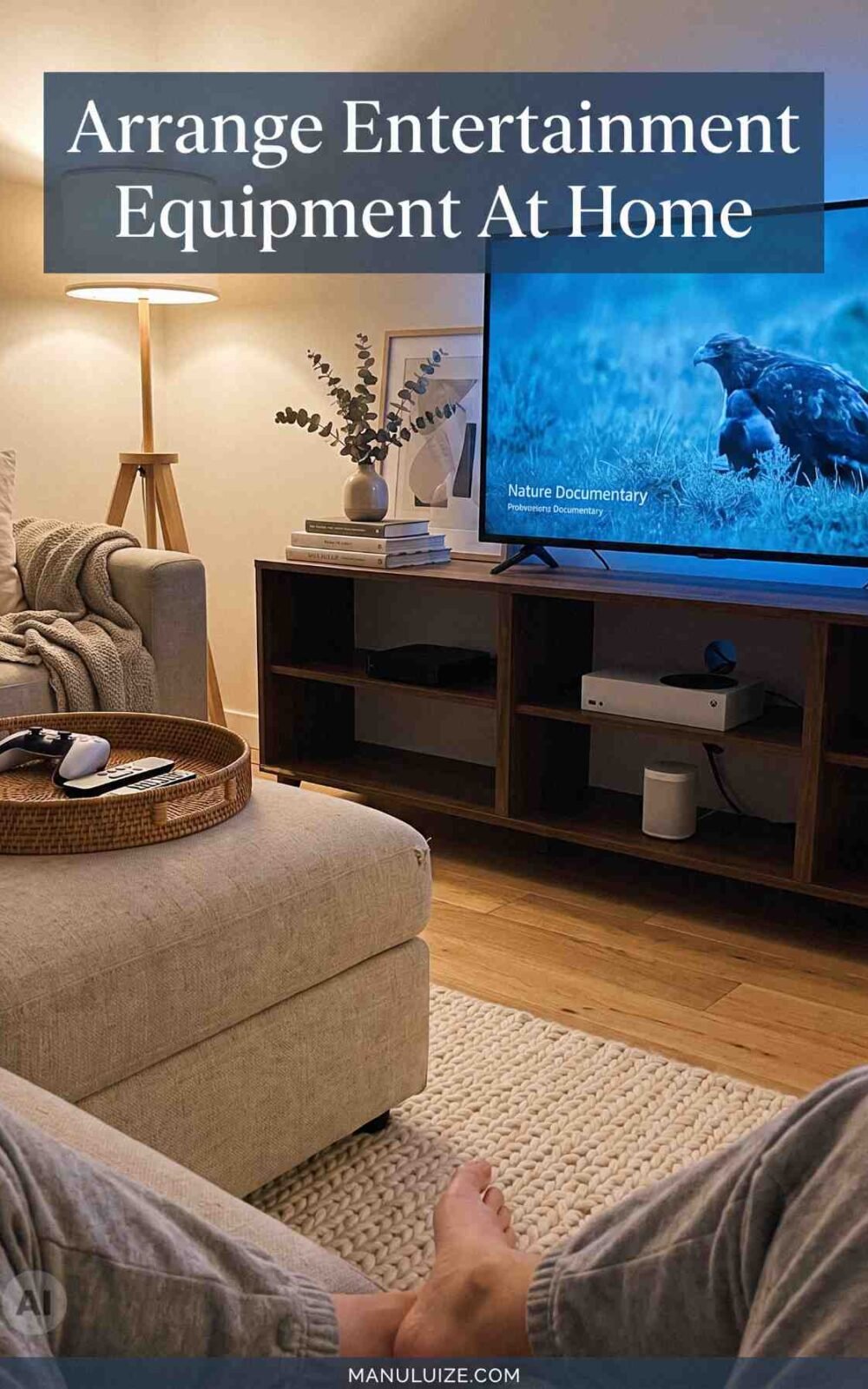
Entertainment components should be set up in a way that ensures comfort as well as practicality. Position televisions at the right viewing distance and height from where they are viewed and arrange all other devices around them. Devices like streaming boxes, game consoles, speakers, and any other equipment should have adequate ventilation and easy access for maintenance purposes. They should not be packed tightly together especially if they generate heat.
It is necessary to take into account people’s movement in the room when arranging the space. Ensure that wires do not interfere with the walkway and that remote control devices and controllers have a place where they can be kept. An organized entertainment space will encourage frequent usage without making the room look overpowered by gadgets. This setup will also give room for decorations within the room.
Configuring one’s technology following a change of residence is not limited to plugging in one’s gadgets into any nearby outlet. Proper positioning, cable management, dependable home network connection, secure access, as well as efficient spaces for working and leisure, may help to simplify the process of using technology and contribute to the interior design of the house. Paying attention to all these aspects prior to starting the regular activities may save from any potential clutter or connectivity issues. Technology configuration will make possible the harmonious co-existence of technology in the home setting.